MAKE AI FILMS.

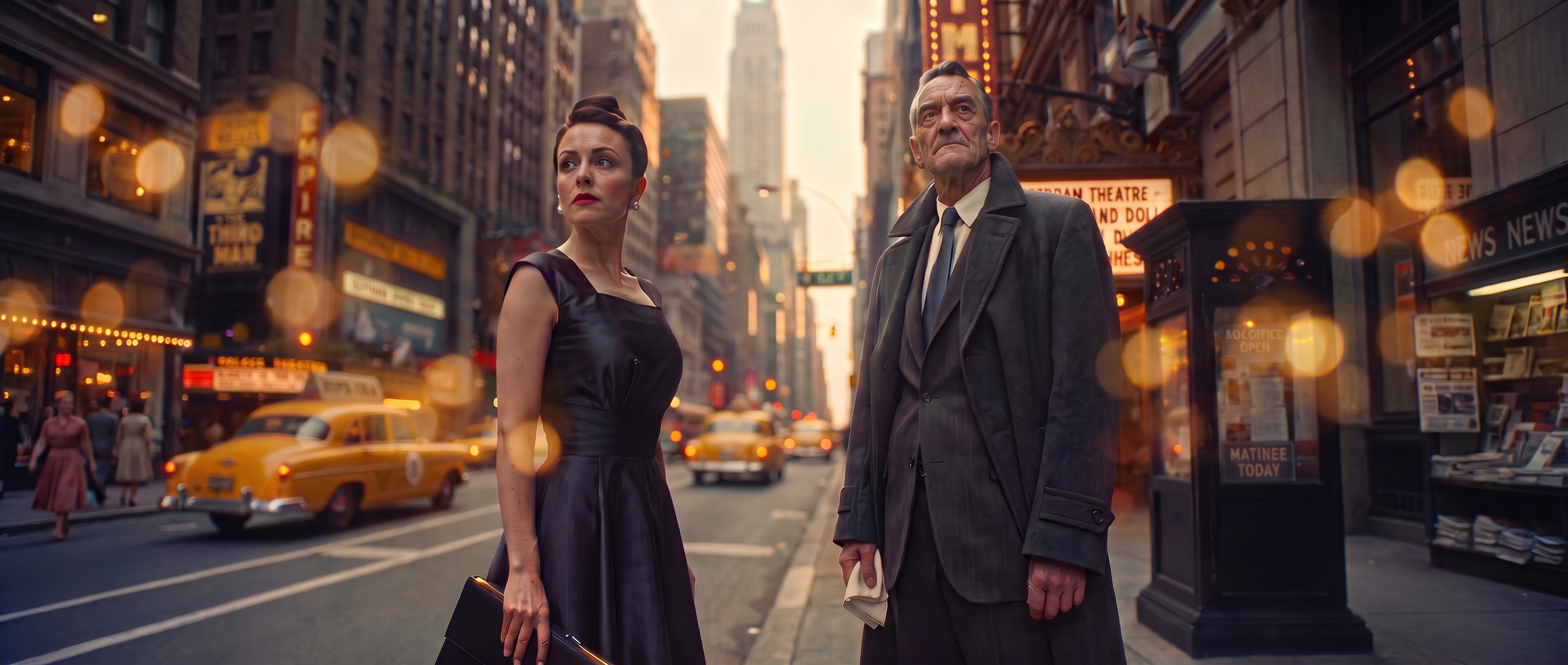
Cinematic illustration of two people on a city street with yellow taxis and theater marquees.

The AI production workspace for filmmakers, AI creators, and studios.
Shotro does the production work. You direct.

Join waitlist
THE WORKSPACE

Your production.
In one place.

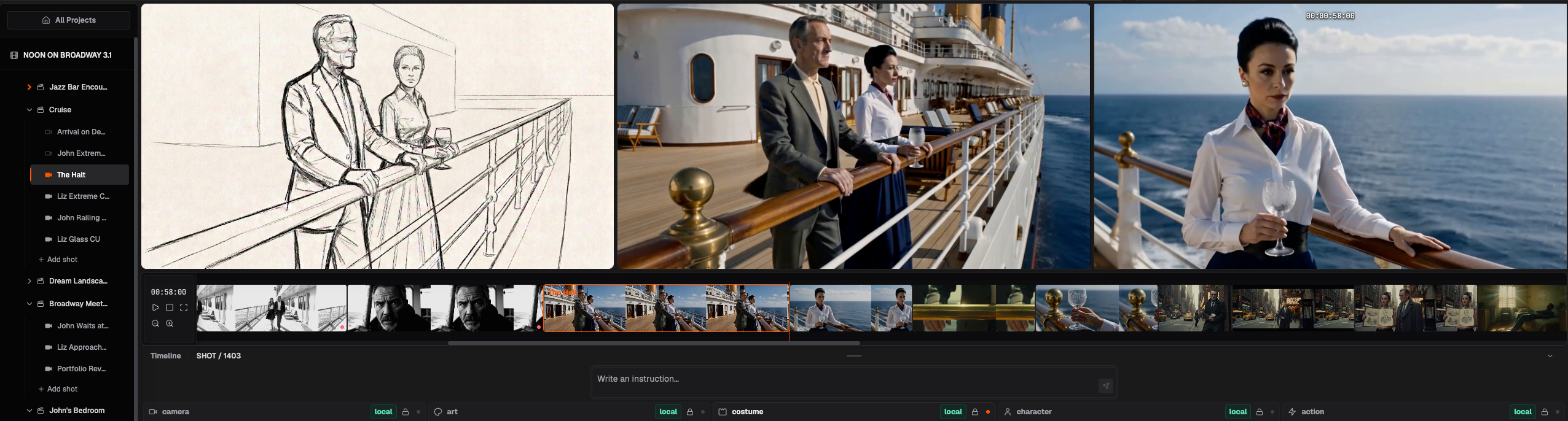
Your film, organized as one connected project. Scenes, shots, assets, and references stay connected, with every detail yours to edit.

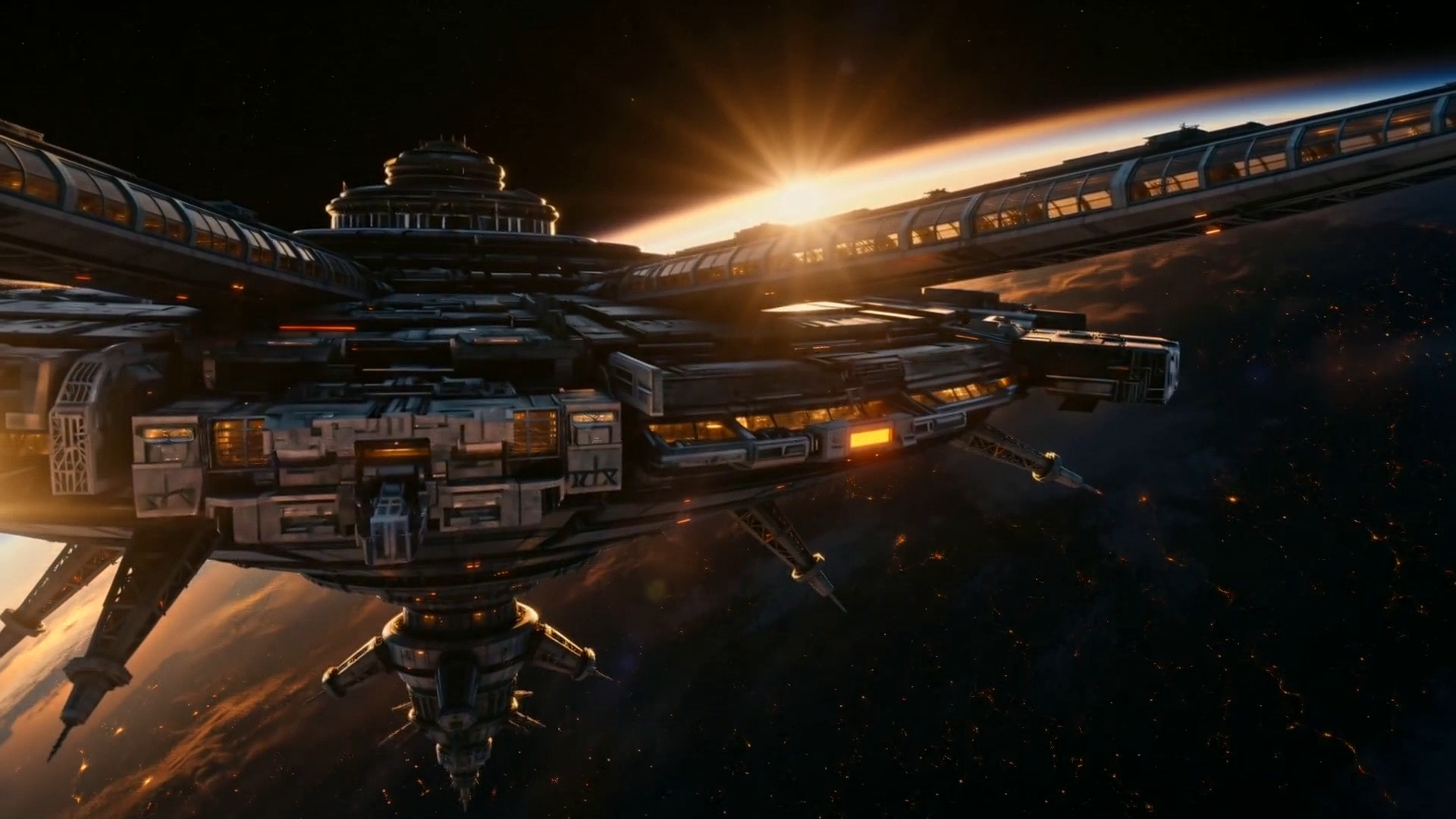
Shotro workspace showing a cruise scene with a storyboard, generated shots, a connected scene tree, timeline, and AI department controls.

Your AI crew.
In your corner.

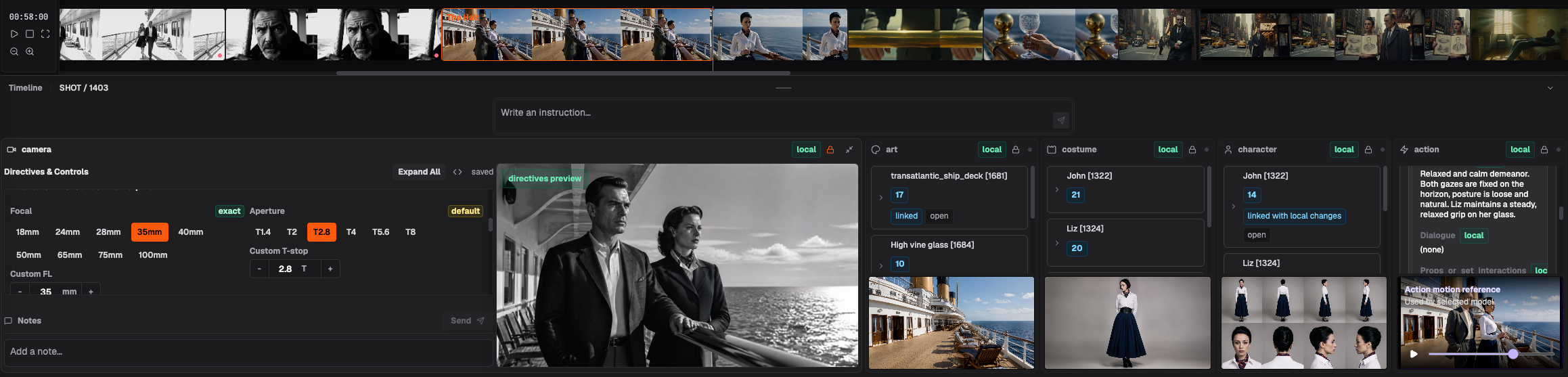
Five AI departments work together like a film crew. Each handles its craft, drawing on the same story, scene, and creative direction. You guide the vision and refine any detail.

Camera
Framing and light
Art
World and atmosphere
Costume
Wardrobe and silhouette
Character
Appearance and identity
Action
Blocking and performance
Shotro’s connected camera, art, costume, character, and action departments for the cruise scene, with framing controls and shared visual references.

CONTINUITY.
BY DESIGN.

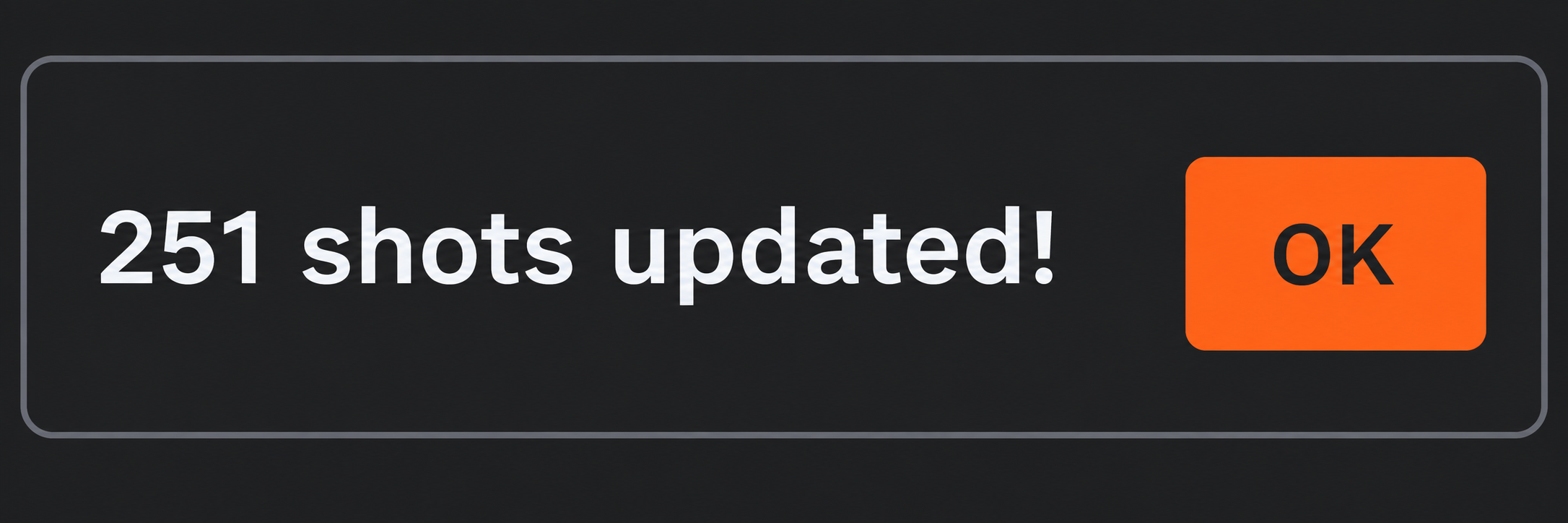
Illustrative Shotro UI confirmation: 251 shots updated! with an OK button.

Update a character, location, or creative direction. Shotro automatically carries relevant changes through the scenes and shots they affect, guided by the project’s context. Your film stays connected as it grows.

THE PROCESS

HOW IT
WORKS.

You set the direction.
Shotro connects the details.

01 / STORY

Your story.
The starting point.

Bring a script or start with an idea. Tell your crew what you want to shoot, and build your story into scenes and shots.

THE OPENING SCENE01

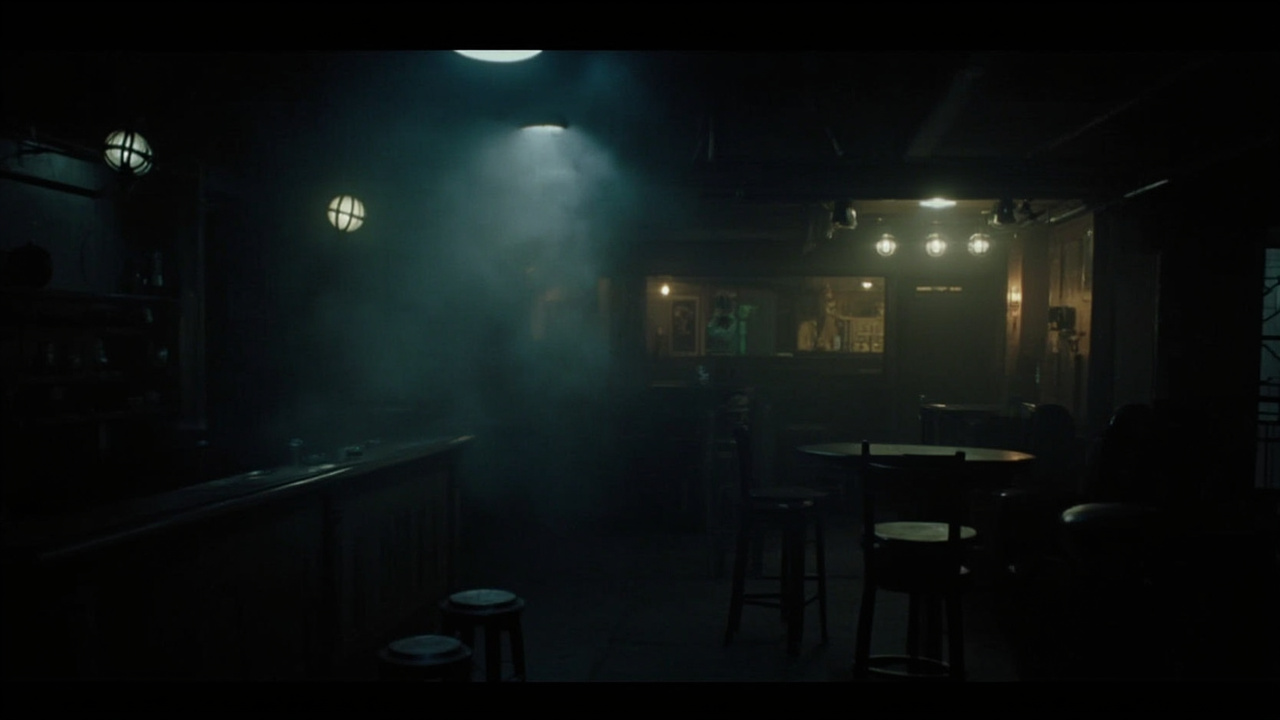
INT. JAZZ BAR - NIGHT

A figure descends into a smoke-filled bar. Brick walls close in.

A slow walk to the counter. Every step deliberate.

DIRECTOR’S NOTE

Low angle. Wide shot. Hold the camera still.
01
02 / WORLD

Describe the scene.

Describe the characters, location, and action, or build on what’s already in your story. Set the mood. Shotro develops the scene around your vision.

Atmospheric jazz bar with cool overhead light, smoky shadows, and warm lamps above the bar.
03 / AI FILM CREW

Each craft.
One shared vision.

Each department develops its part of the scene, working from the same story and creative context. They coordinate their decisions and fill in the details, ready for you to review and refine.

Shotro’s connected Camera, Art, Costume, Character, and Action panels with jazz-bar framing, location, costume, character views, and a motion reference.
CameraArtCostumeCharacterAction
04 / SHOTS

From scene
to shot.

Every shot belongs to a scene. Shotro carries that context into its framing, look, and action. Refine the camera or performance, with the scene’s direction already in place.

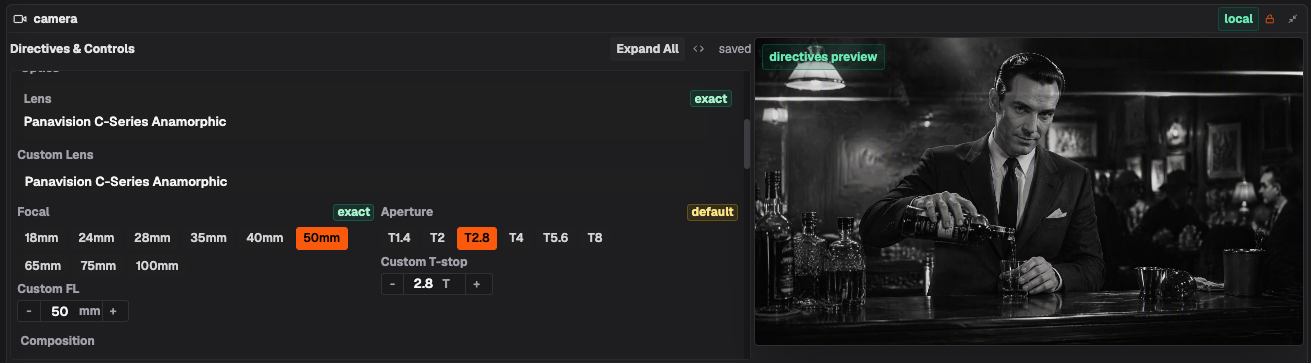
Shotro camera controls for lens, focal length, and aperture alongside a black-and-white preview of a bartender pouring a drink.
05 / FOOTAGE

Your vision.
In motion.

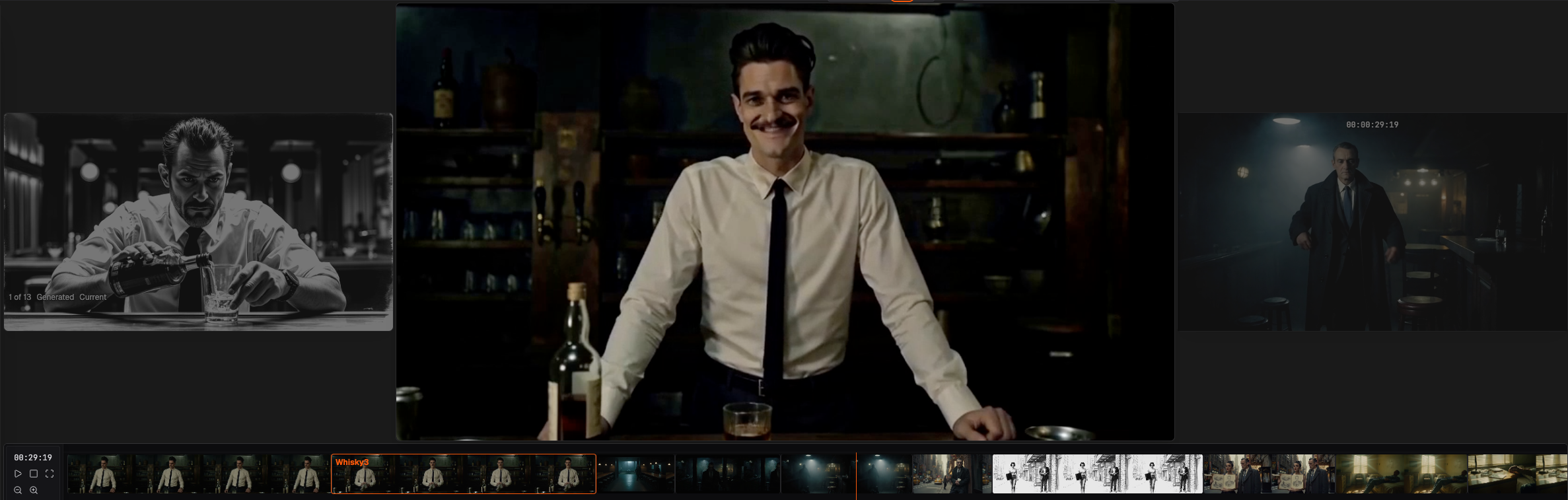
Choose a supported video model. Shotro brings together your scene context, shot direction, and references, preparing the prompts and inputs that model needs. You direct the film, without writing prompts or adapting them when you switch models.

Generated jazz-bar footage in Shotro, with a bartender preview, storyboard and scene references, and the film timeline.
FOR FILMMAKERS, AI CREATORS & STUDIOS

MAKE IT YOURS.MAKE IT BIG.

Join waitlist
BEFORE WE ROLL

A FEW
USEFUL ANSWERS.

What is Shotro?

Shotro is an AI production workspace that connects your story, scenes, shots, and assets - from the first idea to generated footage.

Who is it for?

Filmmakers, AI creators, studios, and agencies who want to turn their ideas into films. Shotro gives you an AI crew to direct, from shaping a scene to generating the footage.

Do I need a finished script?

No. You can start with a script or build scenes and shots manually from an idea. Add details as you go.

Do I have to write generation prompts?

No. Focus on directing. Shotro translates your creative direction into generation prompts, using your story, references, and department decisions to guide the result.

Does Shotro depend on one video model?

No. Shotro works with multiple supported video models. It uses your saved story, direction, and references to prepare generation requests, so you don’t have to rebuild the brief when you switch.

What does Shotro produce?

Shotro produces footage you can take into your editing and post-production workflow. Assemble your shots, refine the edit, and add sound, color, and finishing in your preferred tools.

How can Shotro save time and reduce costs?

Shotro helps you build a coherent film with continuity across scenes and shots. Your AI crew works from the same story, characters, locations, and visual direction, so each generation fits the project. That can mean fewer iterations to correct mismatches and less coordination between disconnected tools, reducing rework costs and speeding up production.

Can I use it today?

We’re inviting a limited number of users to try Shotro while it’s in development. Join the waitlist to be considered for early access.

What will it cost?

Pricing hasn’t been announced yet. We’ll share plans and prices when they’re ready. Join waitlist for updates.

YOUR FILM.YOUR CALL.

Join the waitlist for launch
and early-access updates.

Join waitlist
SHOTRO

EARLY ACCESS.

We’ll never spam you. Only important updates about Shotro.

About you (optional)

We collect your email and any optional profile details to manage the waitlist using Google Cloud, Supabase, and Resend. We do not sell personal information. Non-customer waitlist records are deleted or anonymized 12 months after launch. See our Privacy Policy and Cookie Notice.